Unity DOTS学习记录(二)-最简示例
环境:
Unity:6000.2.10f1
Entities:1.4.3
参考:
https://github.com/Unity-Technologies/EntityComponentSystemSamples
1. 创建子场景
在场景Hierarchy中右键->New Sub Scene: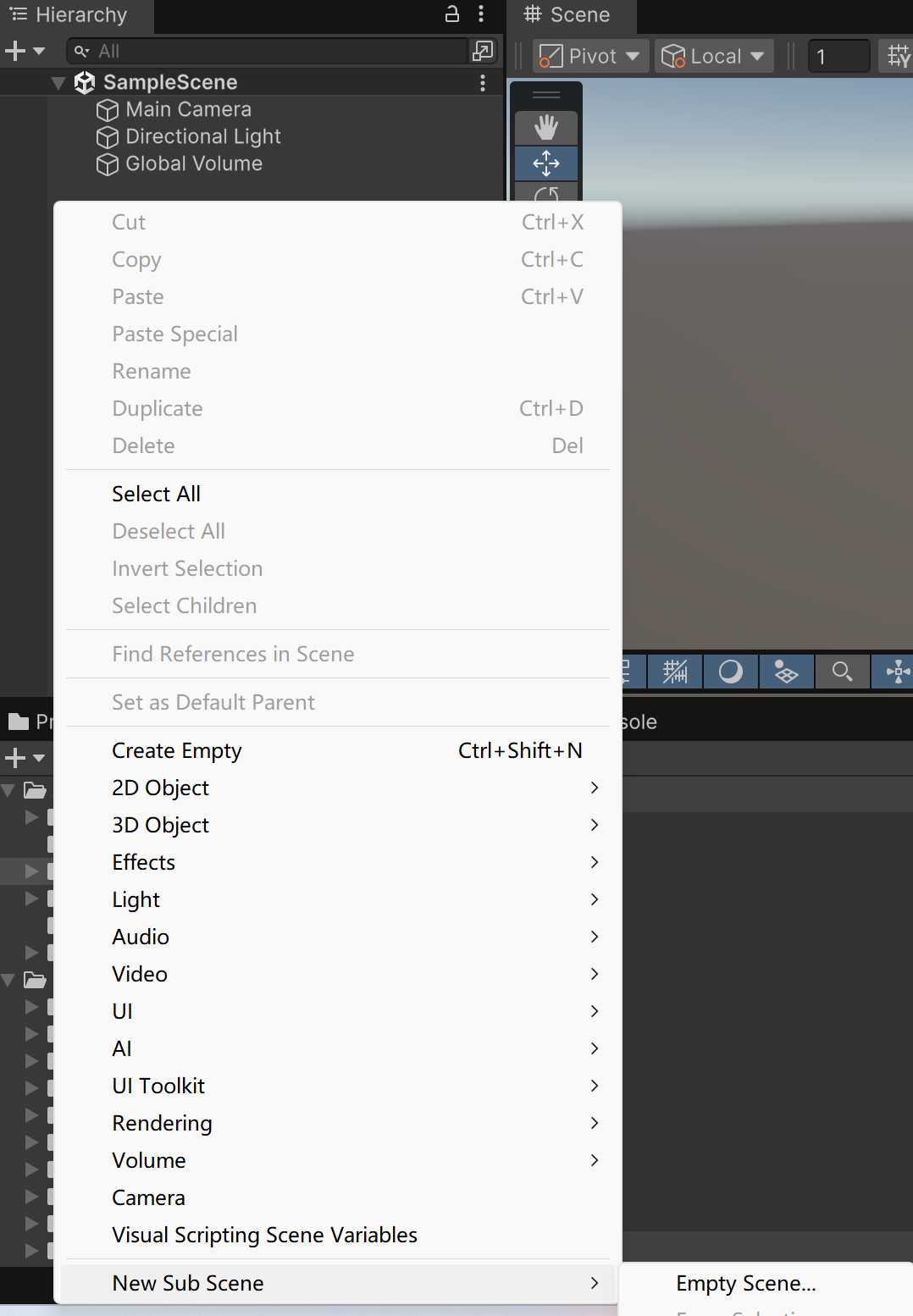
使用子场景是因为ECS实体并不能直接存在于普通的Scene中,而是通过SubScene在运行前进行烘焙,转化为高效的Entity数据。
2. 在子场景中创建一个Cube
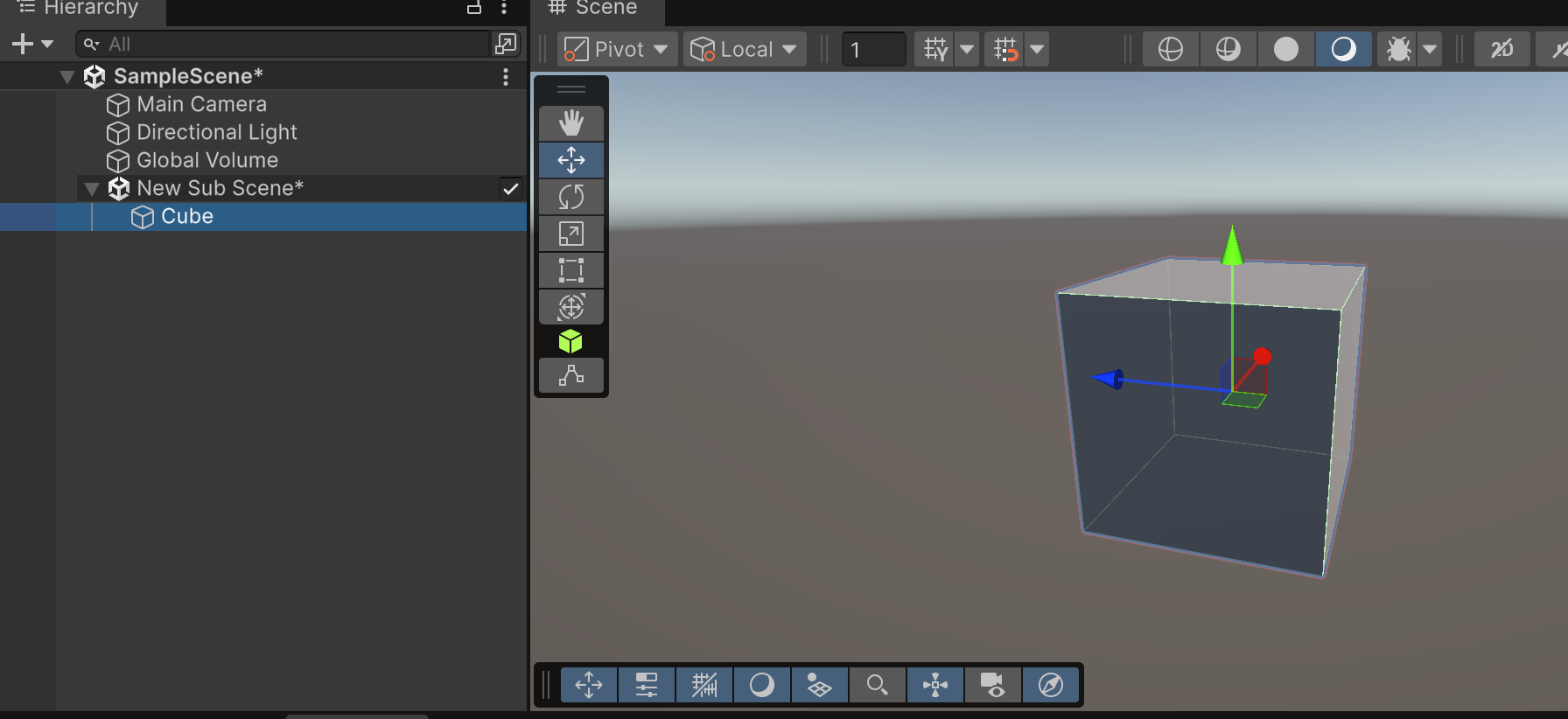
3. 编写Entity和Component
创建RotationSpeedAuthoring脚本,并挂载到Cube上:1
2
3
4
5
6
7
8
9
10
11
12
13
14
15
16
17
18
19
20
21
22// 一个Authoring就是一个普通的MonoBehavior
public class RotationSpeedAuthoring : MonoBehaviour
{
public float DegreesPerSecond = 360.0f;
// Baker会将Authoring烘焙为实体
class Baker : Baker<RotationSpeedAuthoring>
{
public override void Bake(RotationSpeedAuthoring authoring)
{
// The entity will be moved
var entity = GetEntity(TransformUsageFlags.Dynamic);
// 为实体添加组件数据
AddComponent(entity, new RotationSpeed { RadiansPerSecond = math.radians(authoring.DegreesPerSecond) });
}
}
}
// 组件即数据
public struct RotationSpeed : IComponentData
{
public float RadiansPerSecond;
}
这里Authoring的作用只是为了烘焙实体,运行时并不会存在。
4. System逻辑
创建RotationSystem,无需挂载到任何地方,DOTS会自动识别。1
2
3
4
5
6
7
8
9
10
11
12
13
14
15
16
17
18
19
20
21public partial struct RotationSystem : ISystem
{
[]
public void OnCreate(ref SystemState state)
{
// 这样可以避免场景中不存在相关实体时,System 仍然每帧执行 OnUpdate
state.RequireForUpdate<RotationSpeed>();
}
[]
public void OnUpdate(ref SystemState state)
{
float deltaTime = SystemAPI.Time.DeltaTime;
// 查询所有包含LocalTransform和RotationSpeed组件的实体
foreach (var (transform, speed) in
SystemAPI.Query<RefRW<LocalTransform>, RefRO<RotationSpeed>>())
{
transform.ValueRW = transform.ValueRO.RotateY(
speed.ValueRO.RadiansPerSecond * deltaTime);
}
}
}
SystemAPI.Query会返回内存中连续排列的组件数据块(Chunk)。
开启[BurstCompile]会将该循环编译为高度优化的SIMD代码(SIMD是一种CPU并行计算方式)。
运行场景即可看到Cube在旋转。